Start from the album page, then step into track pages, lyrics, notes, and listening links.
Official Library
Music
The music library is the clearest way into the brand. Start with an album, then move into tracks, lyrics, notes, video, or listening links from there.
Browse the catalog, open an album for the full track run, then move into lyrics, notes, videos, or platforms when you want more depth.
Search, chips, and sort controls stay quick and readable across mobile, tablet, and desktop.
When you want platforms or lyric pages next, those paths stay close by.
Quick Listen
Use the Streaming hub for official artist pages, album shortcuts, and platform-first decisions.
Use the library in layers
Albums lead the browse, while tracks, lyrics, search, and video stay close
The catalog is built to move smoothly from albums into track pages, lyrics, video, and streaming without losing the release context.
Albums
Use albums for full release context
Album pages keep the tracklist, release identity, and the clearest next-step paths together when you want more than a quick scan.
Tracks
Open a track page when you want deeper detail
Track pages bring lyrics, notes, related routes, and album context together when that support is available.
Lyrics
Open the lyric library when the words lead
Lyrics stay close to the main music browse so it is easy to move from a title into the song text and back again.
Search
Use search when you already know part of the title
When you already know the album or track name, Search is the fastest route into the right page.
Discover
Filters
Use the filters to narrow the catalog without losing the album-first view.
Filter chips: use Left and Right arrow keys to move between filters. The selected filter updates the album grid below.

Spotlight release • May 2025
Begin with the release leading the catalog right now
Wings of Fire • Triad of Angels • Cinematic Pop
Wings of Fire opens the spotlight by default so the first view lands on a fully built release page with artwork, tracks, and listening routes ready to explore.
Open the album page for the full release first, then move into track pages, lyrics, notes, videos, or listening links.
Best ways into this release
Wings of Fire • 8 tracks • listening available
Album detail
Open Wings of Fire
The full album page keeps the track list, cover identity, and release context together in one place.
Track detail
Jump to the track page that carries the most detail from this release
When lyrics, notes, or video are live, the strongest track page is the quickest way into deeper detail.
Search + platform
Use Search or a platform link when you already know the release
Search is quickest for fast cross-site movement, while platform links are the safest way to leave the hub.
Library
Albums
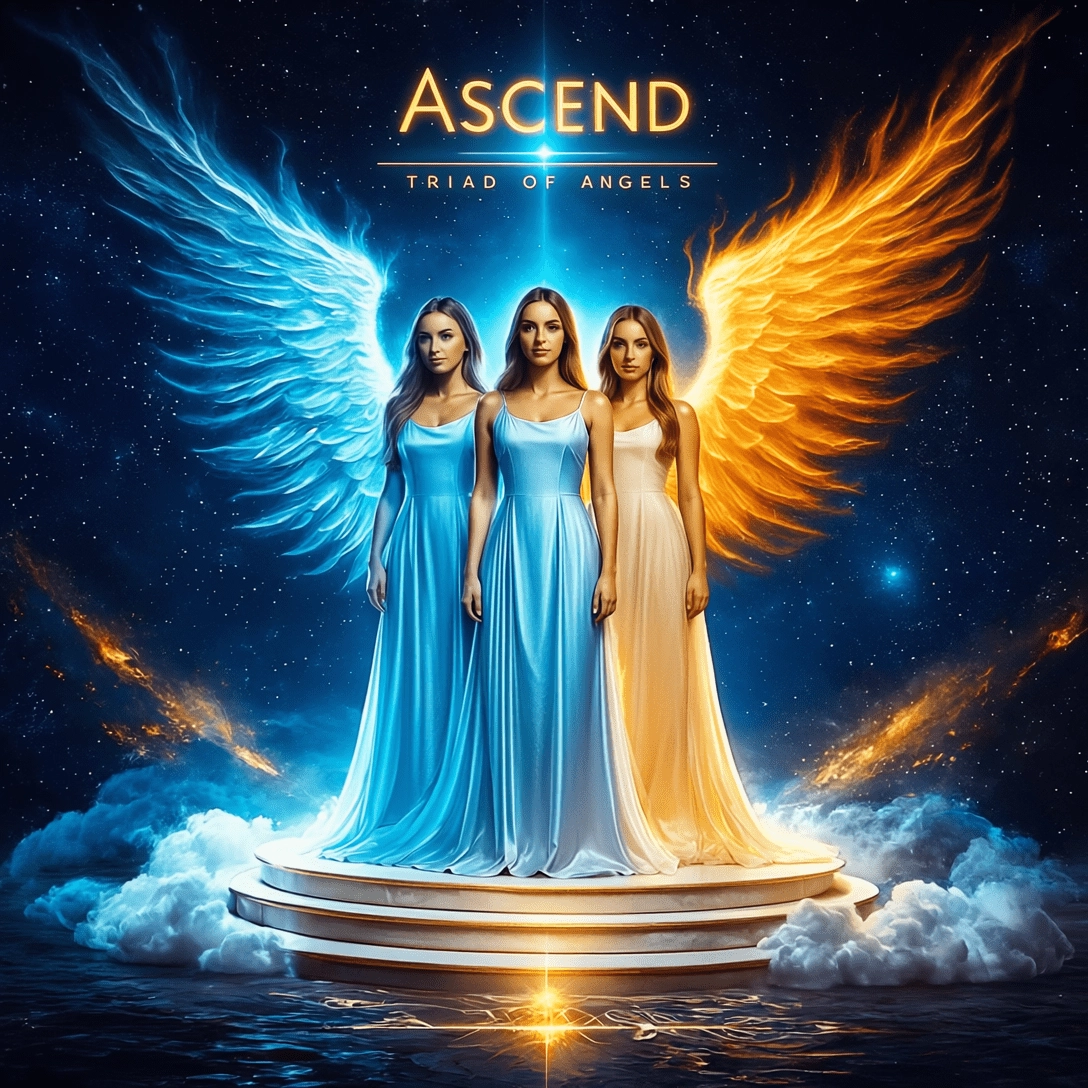
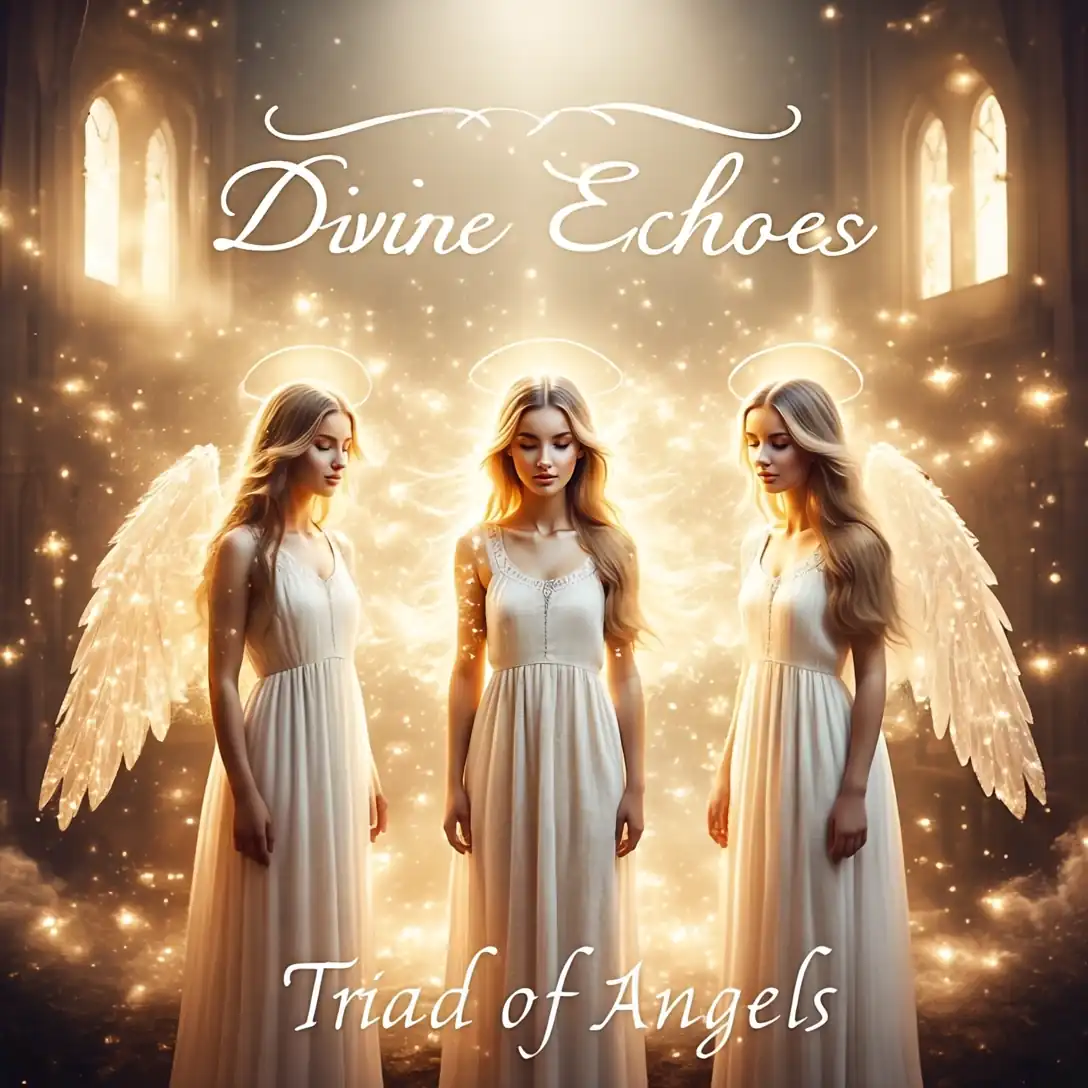
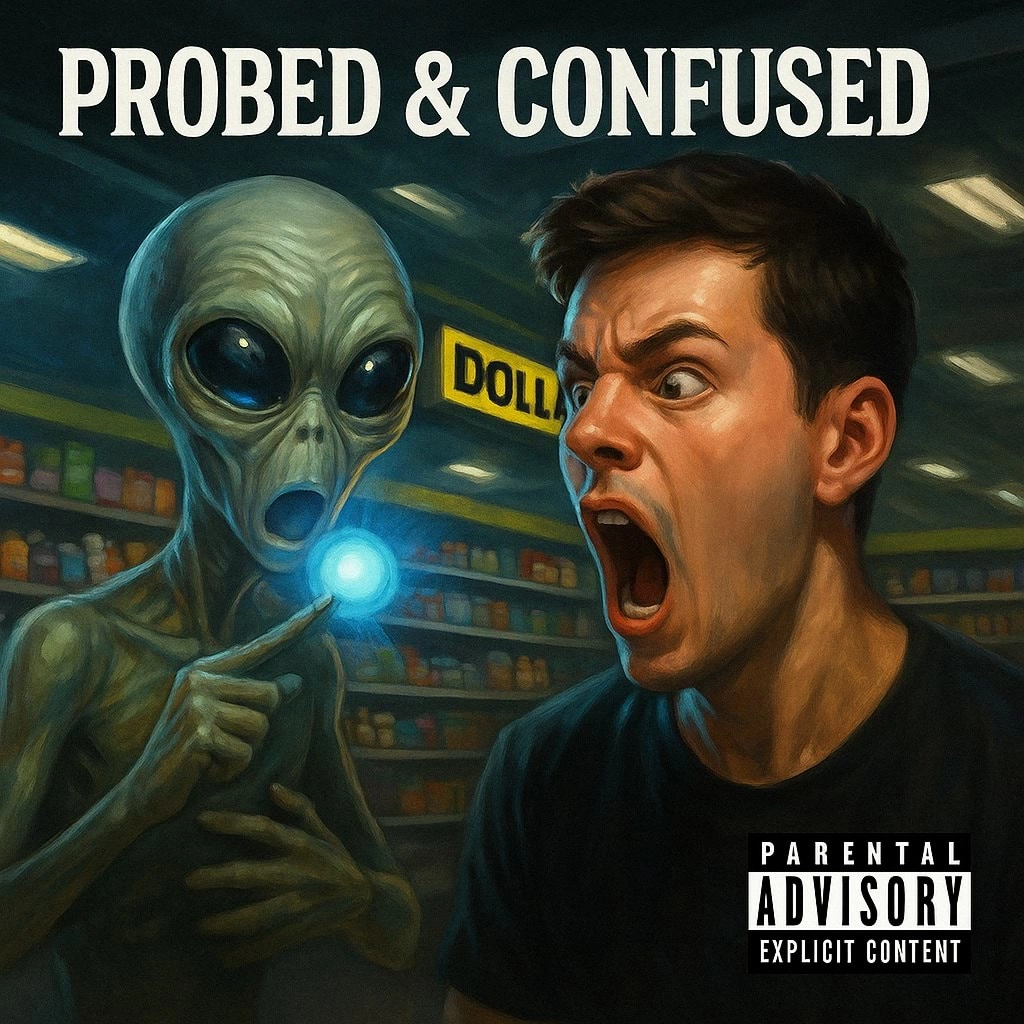
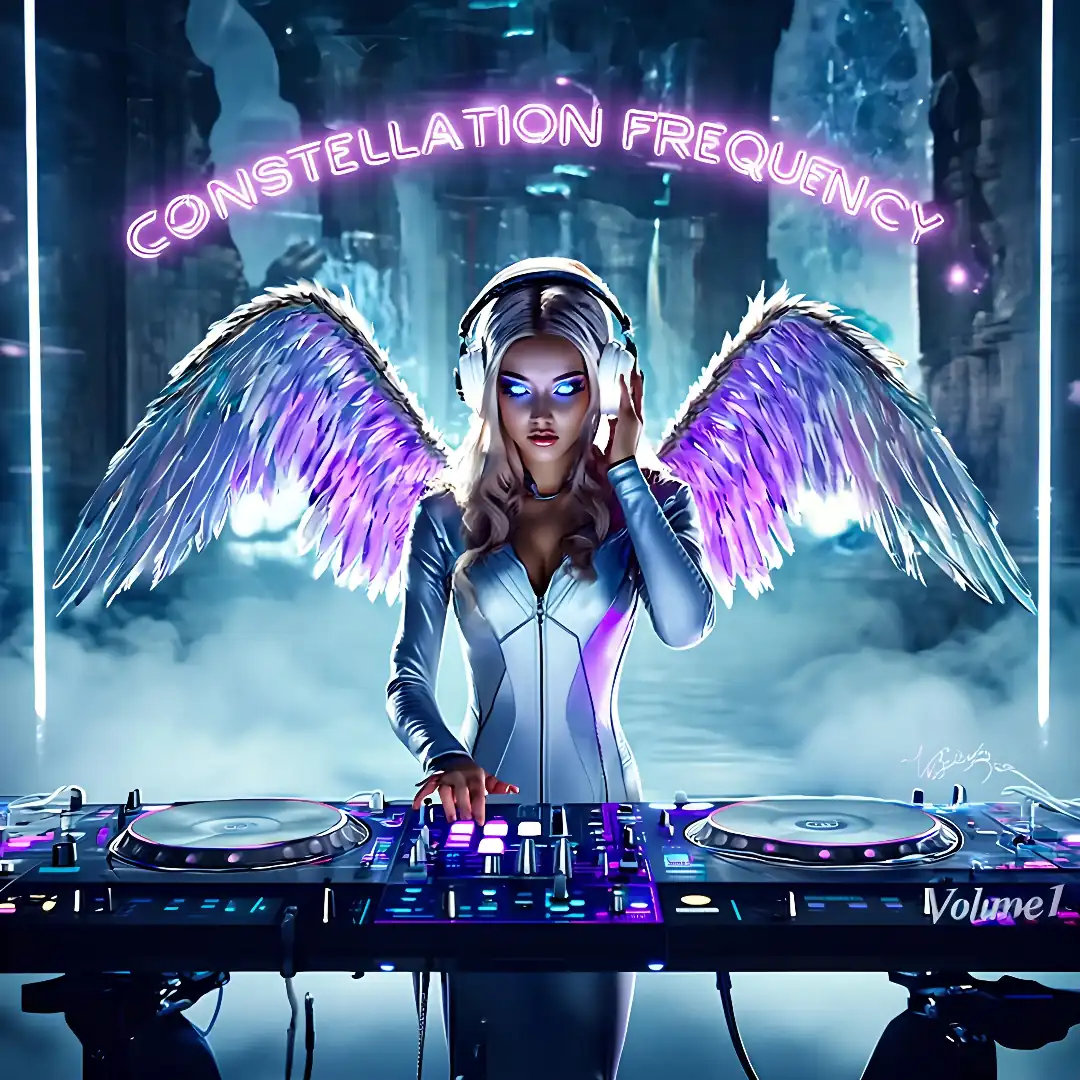
Each album page keeps the release together: track order, lyrics, notes, and listening links in one place.
Open an album for the full release view, then branch into tracks, lyrics, story notes, or listening links.











Keep moving
Need lyrics, exact titles, videos, or listening links next?
Stay with Music for album-first browsing, then move to Lyrics, Videos, Search, or Streaming when you need a narrower next step.
Move cleanly into the next mode.
When the browse is done, the next move stays obvious
Switch to Videos for watch-first discovery, Streaming for official platform decisions, Lyrics for text-first browsing, or Contact when the answer is not already on the page.
Videos
Watch featured official releases
Move into Videos when you want rails, featured clips, or official channel routes instead of library scanning.
Streaming
Choose the official listening destination
Open Streaming when you want the cleanest handoff from browsing into artist, album, or platform pages.
Search
Jump back in by exact title
If you already know the song, album, or lyric phrase, Search can take you straight to the right page.
Contact
Ask directly about broken links, credits, or rights
Use Contact when the live music surface needs a human answer, correction, or platform follow-up.